How-to guide · 5 steps · checked 2026-09
How to Create Fictional Adult Scenes With AI
To create a fictional adult scene with AI, pick a service, build and save one adult character, stage a single still by changing one detail at a time, then animate the best still into a short clip. This guide walks through each step with what it costs and what usually goes wrong, using the five services from our reviews.
Every character here is an AI-generated adult. No real people are depicted.
Published · Updated · by the AISexGenerator.org editorial desk
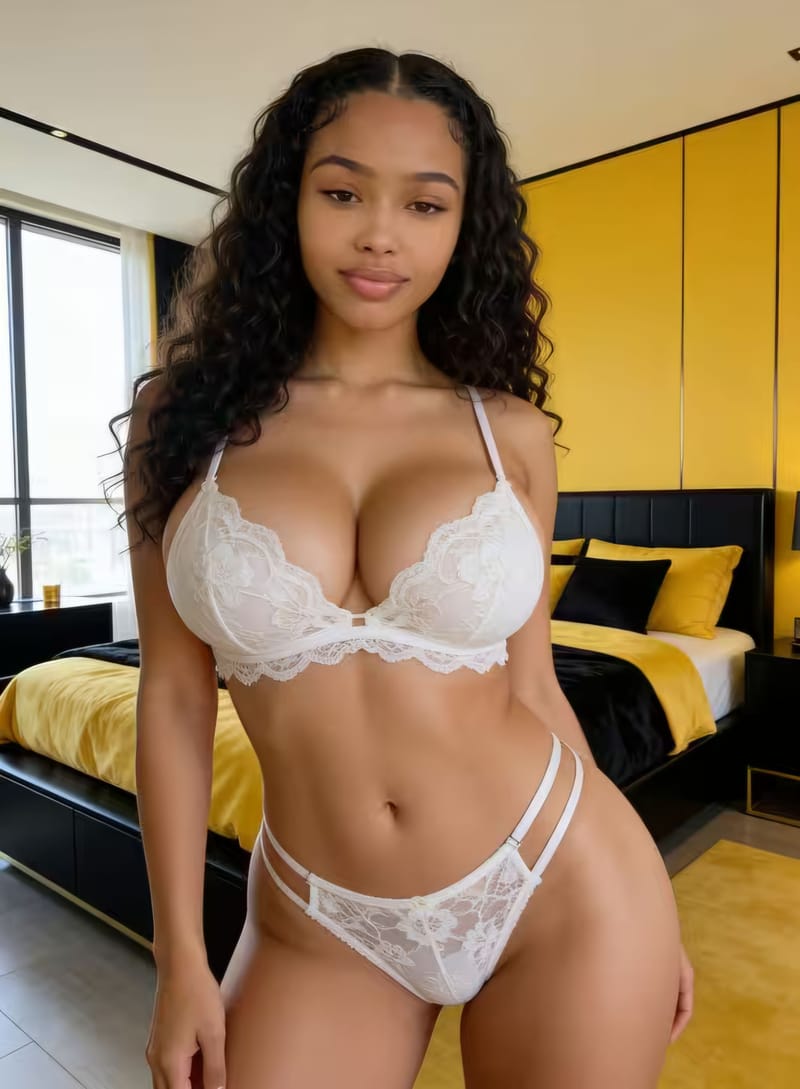
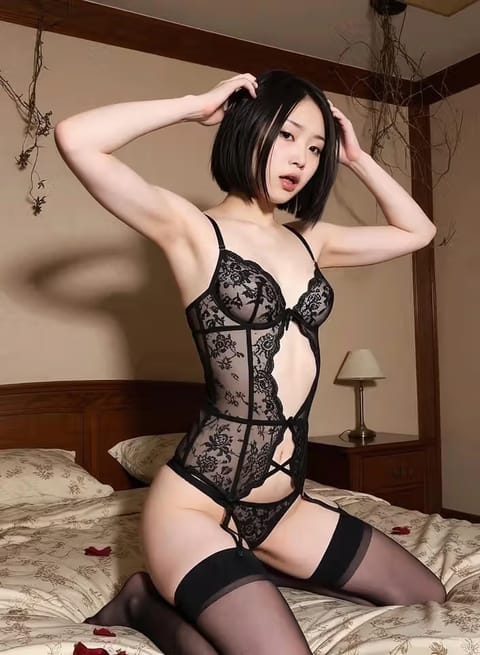
Before You Start: Pick an AI Sex Creator
The right service depends on what you want at the end. For video with known costs, OurDreamAI publishes the price of every image and clip. For precise camera and lighting, LoveScape gives the most control. To practise for free, GoLove includes standard photos and JOI AI six image generations. Our side-by-side comparison of all five has current prices; choose one before you start, because characters do not move between services.
How to Create Fictional Adult Scenes With AI, Step by Step
This order wastes the fewest credits; resist the urge to jump straight to video.
- Open the builder, not the prompt box. Choose realistic or anime style, then face, body type, hair, skin tone and an adult age range. Add a personality if asked; it steers expressions.
- Render plain portraits and save one. Generate three or four neutral images of the character alone. Keep the one whose face you like and store it as a saved character, so every later scene reuses it.
- Stage one still. Add outfit, pose, setting and light, one at a time. When you learn how to create fictional adult scenes with AI this way, a failed render tells you exactly which change caused it.
- Refine with a batch. Once a still is close, run a batch of variations and pick the best.
- Animate the keeper. Turn the chosen still into a short clip with image-to-video, keeping motion small and the clip around five seconds.
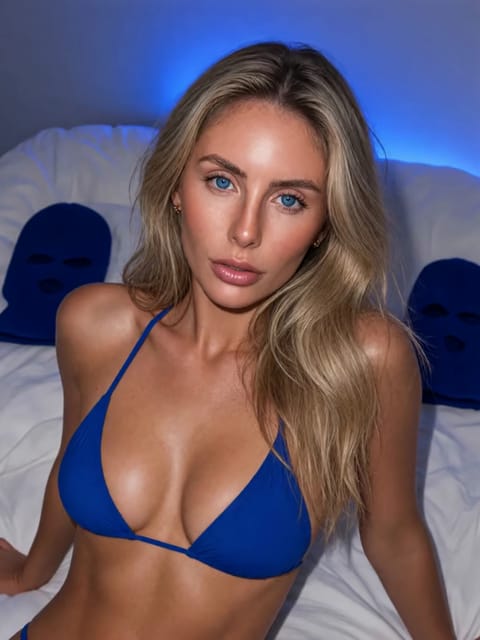
Step 5: a still, gently animated · AI-generated adult
How to Use an AI Sex Generator Without Wasting Credits
Knowing how to use an AI sex generator well mostly means using its builder instead of fighting it. Presets for pose and setting are tuned to render cleanly, so start from them and adjust, rather than writing everything from scratch.
Keep a consistent character between renders
Once you have a saved character, do not describe her face or body again in scene prompts. Repeating it in different words is the most common reason a face drifts. Describe only what changes: clothing, position, place, light. If a service has a memory or profile field for the character, put permanent details there and nowhere else.
Change one thing per render in the character builder
Treat each render as an experiment with one variable. Swap the outfit and keep the pose; then keep the outfit and change the pose. It feels slower, but it is faster in credits and teaches you how each AI sex creator interprets words. Our prompt examples for adult characters show wording that works across services.
Turning a Still Into AI Generator Sex Video
AI generator sex video is made most reliably from an image you already like, using image to video. Select the still, describe a small motion — a slow turn, breathing, fabric moving — and keep the first clips to about five seconds. OurDreamAI charges 100 coins per five seconds, so a minute costs as much as 240 in-chat images. If a clip morphs, shorten it or reduce the motion before trying a different still. GoLove's presets and LoveScape's image-to-video tools work the same way; check our GoLove review for its preset library. Longer scenes are usually several short clips rather than one long one.
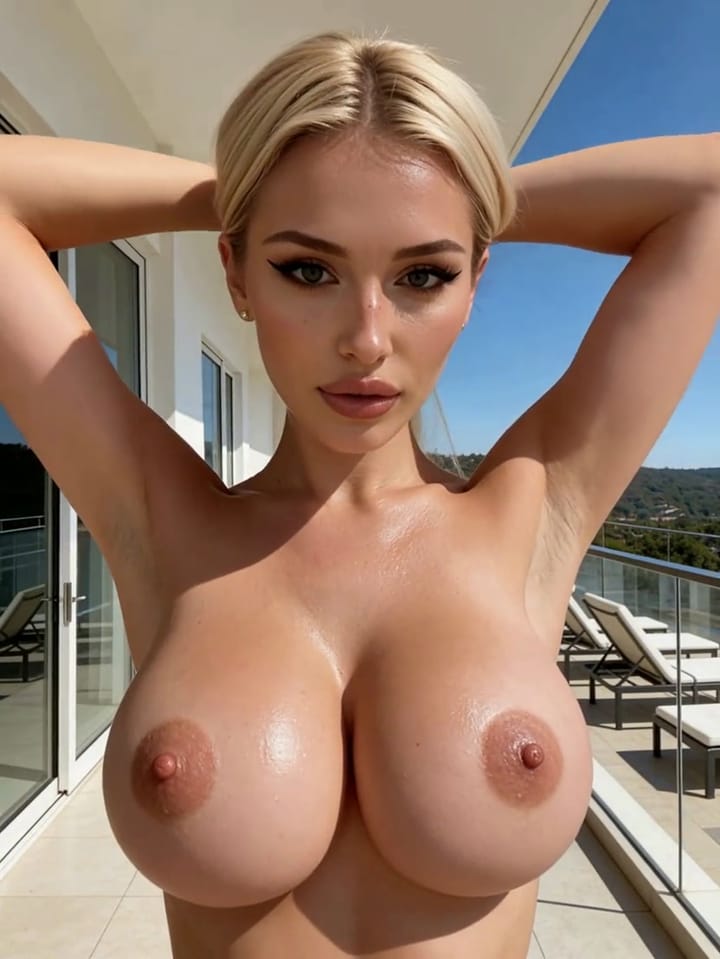
AI-generated adult · clip
Common Mistakes With an AI Sex Creator
Most of learning how to use an AI sex generator is avoiding three mistakes, which account for most wasted credits. The first is describing the character in every prompt, which makes her face drift; save her once instead. The second is asking for complex positions before simple ones work, when hands and limbs are the weakest part of every model. The third is animating a mediocre still in the hope that motion will fix it; it never does. A fourth mistake is writing words such as “girl” or “young” that trigger safety filters. Describe clearly adult characters, and the filters will refuse far less often.
Questions About Creating Scenes
- How long does a first scene take?
About twenty minutes: five to build and save a character, ten to stage two or three stills, and a few more to animate the best one. Most of that time goes into choosing between renders, not waiting for them.
- Why does my character's face change between images?
Usually because the character was not saved, or because the prompt describes the face again in different words. Save the character in the builder, then describe only outfit, pose, setting and light in each new prompt.
- Which service is best for beginners?
For a first session, a builder-first service is easiest: CandyAI and OurDreamAI walk you through a character screen by screen. If you would rather not pay yet, GoLove and JOI AI let you practise for free, though with fewer tools and smaller allowances.
- Can I use a photo of someone as a starting point?
No, and you should not try. OurDreamAI forbids reference photos, LoveScape limits uploads to ID-verified accounts with human review, and every service bans sexual content of real people without consent. Build characters from choices and descriptions only.